Links: Introduction
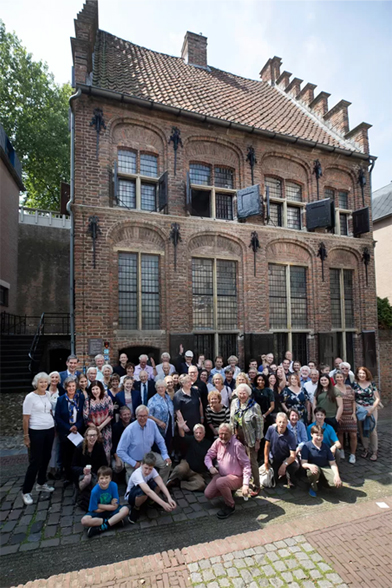
Links: Introduction
Because a large number of sites are included at this links section it has been sub-divided:
choose from the dropdown menu or from the green bar for the categories.
Please note that several links lead to sites that are in Dutch only. An attempt has been made to link to English-language pages if available.
The link page served originally to link sites of Members of the Family.
Later oher links pages were added, such as:
sites of Connected Families (i.e. Family Associations with ties to the Kolff family),
the Municipal Archives of Rotterdam, where the Kolff family archive is stored,
to Genealogical Sites and to Research on the Kolff Family,
as well as links on articles in De Colve and the History & Biographies sections at this site.
A special link page has been created to include sites with historical Connection to the Kolff Family.